Skip to content
Return to City Electric Supply
Home
Game FAQs
Official Rules
Home
Game FAQs
Official Rules
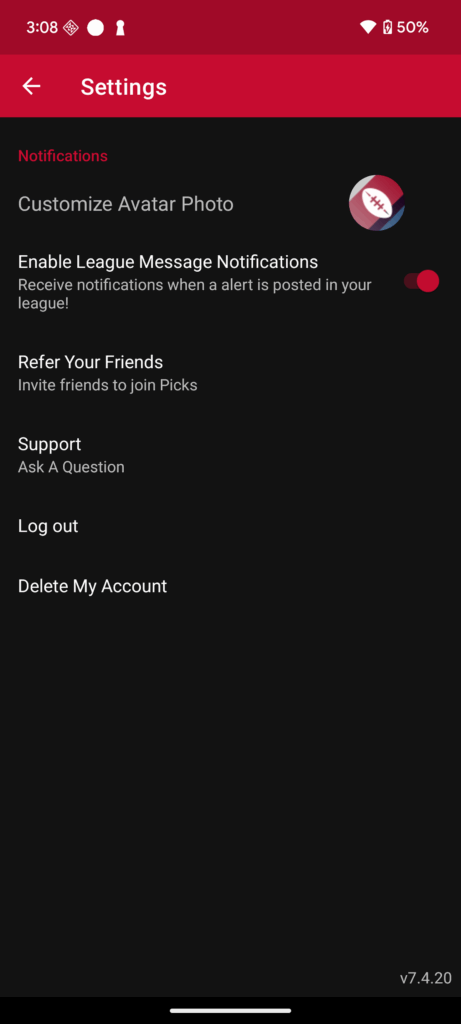
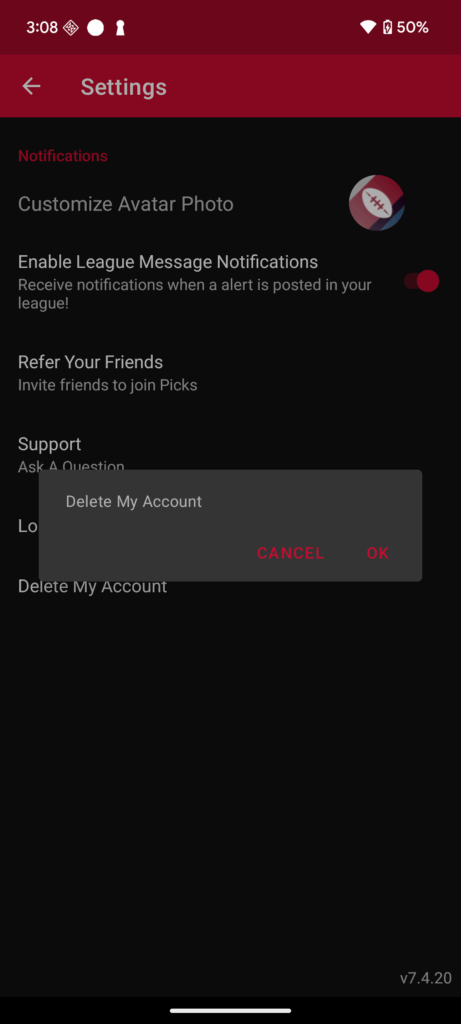
Steps to Delete Account
1. Open the Picks App on your device.
2. Log in to your account.
3. Go to Home → Setting.
4. Look for an option Delete My Account.
5. Confirm by pressing OK and Account will be deleted.